Loading…

Smartphones, email, calendars, the internet, computers, staying safe online and everyday digital documents. Short lessons you can do on your phone.
8 units · about 5.5 hours · certificate when you finish
▶ Watch the first lesson free
Learn the parts of a smartphone, how to get around Android and iPhone, and how to call, text, use apps and take photos.
▶ Free
Learn what email is, how to create a free account, how to read, write and reply, how to send attachments safely, and how to keep your inbox organized.
🔒 Free account
Learn to use a digital calendar to add appointments, set reminders, share your schedule and keep up with health, bills and daily routines.
🔒 Free account
Learn what the internet is, how to use a web browser, how to search well, how to tell a safe website from a fake one, and how to stream safely.
🔒 Free account
Learn the parts of a computer, how to use a mouse and keyboard, how to organize files, how to type a document, and how to fix common problems.
🔒 Free account
Learn to protect your accounts with strong passwords and two-step verification, spot phishing and scams, guard your personal information, and stay saf…
🔒 Free account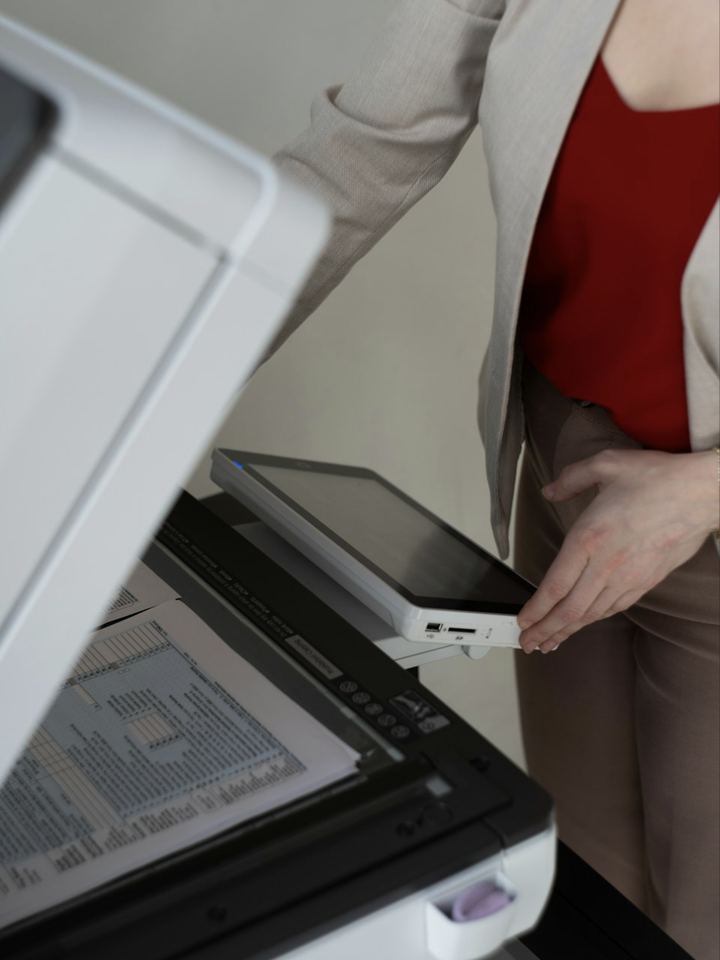
Learn to open, fill out, sign, scan and send documents, store files in the cloud, use AI tools like ChatGPT and Claude safely, and print and protect y…
🔒 Free account
Show what you learned across the whole Tech Confident course.
🔒 Free accountTake every lesson, save your progress, and earn your certificate. Tim is there to help along the way.